What Changed in AI Speech Recognition Between 2023 and 2026
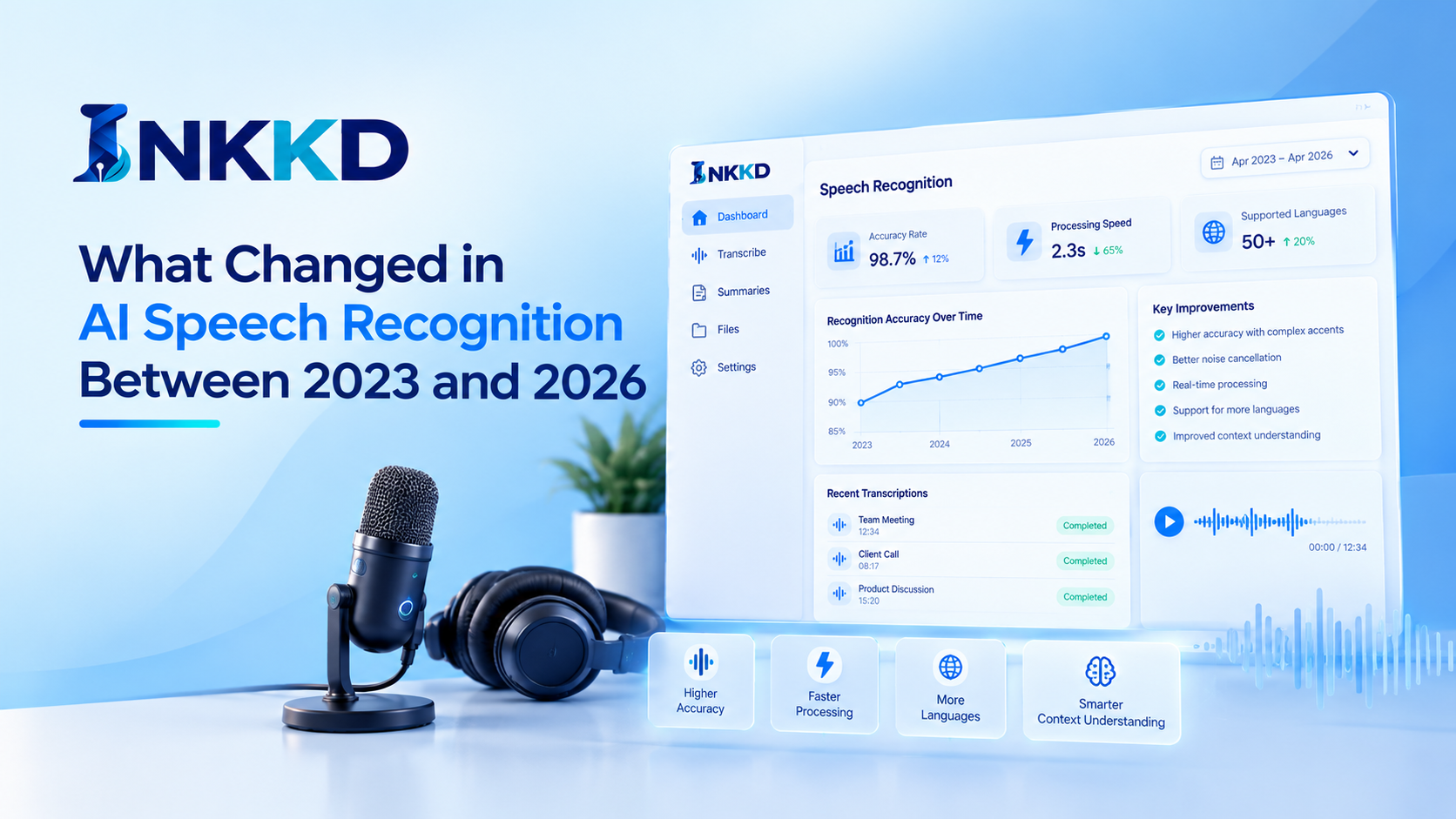
There is no single improvement figure that applies to every product, so this comparison focuses on practical capabilities rather than unsupported claims about performance.
What Changed in AI Speech Recognition Between 2023 and 2026
A transcript can now appear while someone is still speaking, rather than only after a recording has been processed. From 2023 to 2026, the broad shift has been from recorded-audio transcription towards more live, connected voice tools. That change affects when you can use the words, but it does not guarantee that they are correct.
A speech-to-text benchmark score is meaningful only when its test conditions match the task you care about. Word error rate (WER) is the share of words in a reference transcript that are substituted, deleted, or added when a system’s transcript is compared with it. It is calculated as:
WER = (Substitutions + Deletions + Insertions) / Number of words in the reference transcript
A benchmark only helps you compare systems when the test conditions and scoring rules match.
Broadly, automatic transcription has moved from processing a recording and returning a finished transcript towards streaming transcription, which adds words as live audio arrives. Transformer architectures and audio foundation models support many current speech systems, though products do not all use the same design.
| Workflow aspect | 2023 common pattern | 2026 direction |
|---|---|---|
| Input | Recorded audio | Live audio streams as well as recordings |
| Output | Transcript after processing | Incremental transcript while audio arrives |
| Speaker handling | Transcription may be separate from speaker labels | Transcription and speaker labels can be combined |
| System design | ASR commonly treated as a transcription step | ASR can be connected to an LLM for contextual tasks |
How Do Real-Time Tools Compare, and What Makes the Best Voice LLM?
Imagine captions appearing on a meeting screen before the speaker has finished a sentence: streaming transcription lets you follow the discussion without waiting for the recording to end. The benefit is immediate access to the words, but caption delay and accuracy vary with the tool and the conditions.
Compare real-time captions in quiet and noisy recordings, with different accents, and when speakers switch languages. Noise-robust audio processing may help in a busy room, but overlapping voices can still make words hard to separate. Multilingual transcription also needs a real test: success with one language does not prove that language switching will work well. A single demo is not a general accuracy claim.
One clean demo cannot predict caption quality across different rooms, accents, or language changes.
- Test the actual accents you expect to hear.
- Test background noise and overlapping speakers.
- Check how the tool handles language switching.
- Measure caption delay in the intended setting.
- Confirm privacy, data handling, and offline requirements.
The best voice LLM is the one that handles your speech task reliably and fits your response-time, privacy, and device needs. Comparing those trade-offs helps you decide which features matter for your own use.
How to Choose a Speech Tool for Your Needs
Choose a speech tool using a real task, not a headline score. Start with two takeaways: prioritize performance on your own audio and languages, then weigh live response needs against privacy, connectivity, and device limits. Edge inference and on-device inference can reduce reliance on a cloud connection, but neither is automatically the best option for every model or device.
For a concrete next step, run two candidate tools on the same short sample of the audio you expect to use. Compare their transcripts and any live-use constraints, including connection needs and caption delay. That small, same-audio comparison gives you a practical basis for choosing before you commit to a workflow.