How AI Workflow Automation Is Changing Everyday Work for Small Businesses in 2026
See how AI workflow automation is helping small businesses save time, cut costs, and simplify everyday tasks in 2026, plus how to start.
How AI Workflow Automation Is Changing Everyday Work for Small Businesses in 2026
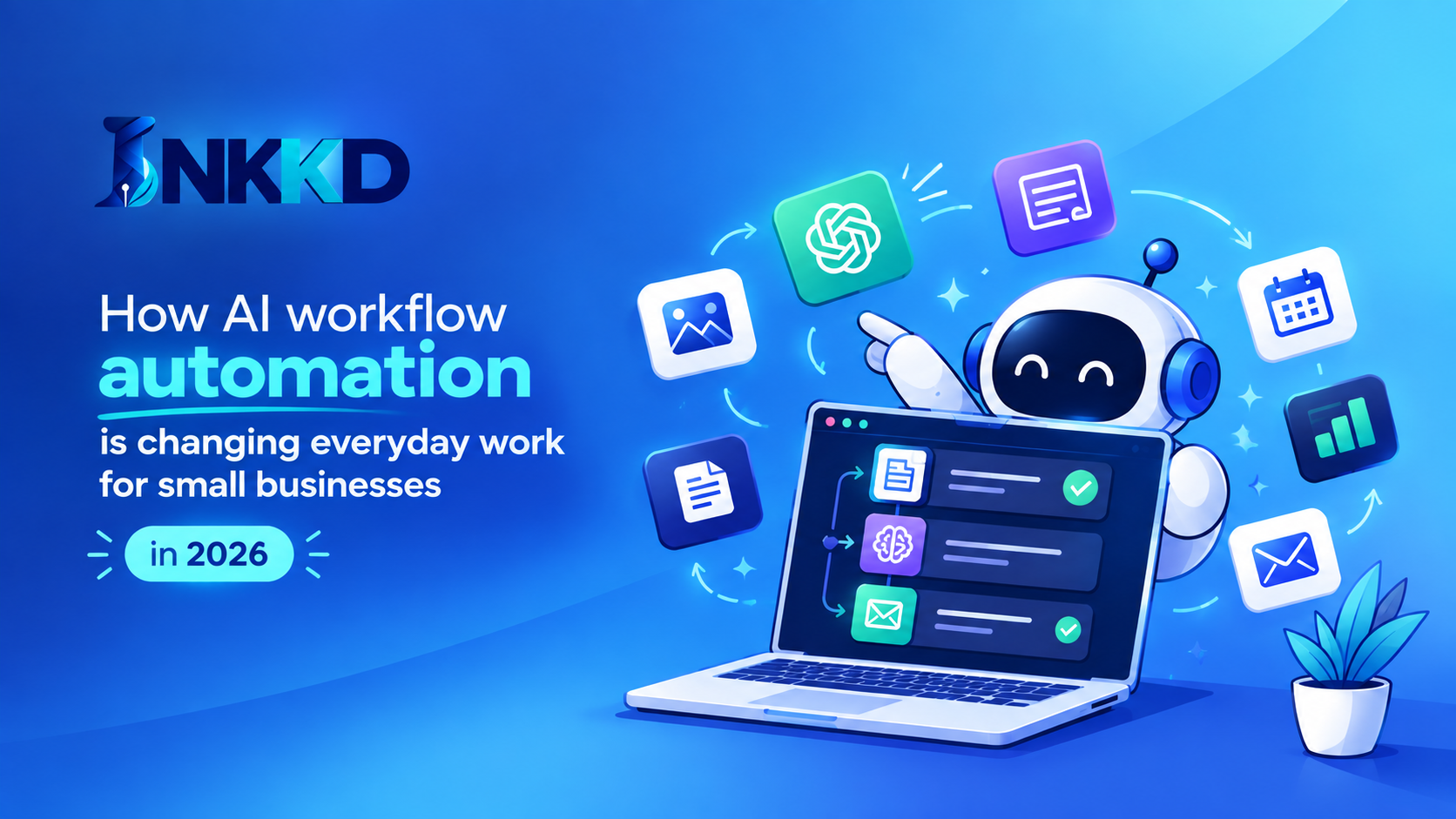
Running a small business means doing a dozen jobs at once. You answer emails, chase invoices, update spreadsheets, and post on social media, all before lunch. In 2026, AI workflow automation is taking much of that repetitive work off your plate, so you can focus on customers and growth.
What Is AI Workflow Automation?
AI workflow automation uses artificial intelligence to handle routine, multi-step tasks with little or no manual effort. Unlike older automation that follows fixed rules, AI can read text, understand context, and make simple decisions. It can sort an email, pull details from an invoice, or draft a reply without you writing a rule for every case.
How It Is Changing Everyday Work
Customer support. AI tools can answer common questions, route complex ones to a person, and follow up automatically. Customers get faster replies, and your team spends less time on repeat questions.
Admin and finance tasks. Invoice processing, expense tracking, and data entry used to eat hours each week. Automation can extract information from documents, fill in records, and flag anything unusual for you to review.
Marketing and content. Small teams use AI to draft social posts, plan content calendars, and repurpose one blog post into several formats. A human still edits and approves, but the first draft no longer starts from a blank page.
Scheduling and follow-ups. Booking appointments, sending reminders, and nudging leads can all run in the background, which helps reduce missed opportunities.
Benefits for Small Businesses
- Time savings: Less manual work means more hours for high-value tasks.
- Fewer errors: Automated data handling reduces typos and missed steps.
- Lower costs: You can get more done without adding headcount.
- Consistency: Customers get the same quality of response every time.
How to Get Started
- List your repetitive tasks. Note anything you do daily or weekly that follows the same steps.
- Start with one workflow. Pick a single task, such as invoice entry or email sorting, and automate that first.
- Choose simple tools. Look for options that connect to software you already use.
- Keep a human in the loop. Review outputs, especially for customer-facing messages and financial data.
- Measure and expand. Track the time saved, then move on to the next task.
Things to Watch Out For
Automation works best when your process is already clear, so fix messy workflows before you automate them. Protect customer data by checking what each tool stores and shares. And don't automate the personal touch entirely, because customers still value talking to a real person on important matters.
Final Thoughts
AI workflow automation is no longer just for large companies. In 2026, small businesses can use it to cut busywork, respond faster, and compete with bigger players. Start small, pick one task to automate this week, and build from there.