Best AI Tool for Part Time University Students Juggling Work
Short, planned sessions can still move your studies forward. A clear task for a spare half-hour is easier to start than a vague plan to “catch up” when you eventually have a free day.
Best AI Tool for Part Time University Students Juggling Work
Your shift changes at short notice, and the study time you expected after work disappears. With classes, paid hours and assignments all competing for attention, it can be hard to protect a long stretch for reading or revision. [Explore INKKD Features (https://www.inkkdai.com/#features)
Shift scheduling is part of the puzzle, but your study plan needs room to adapt when a rota changes. Shift-friendly study planning means matching useful tasks to the time you actually have, whether that is a brief gap or a longer block. INKKD gives you a workspace to explore as you look for practical ways to make study time count, starting with turning lecture material into something easier to use.
Part Time University Students Juggling Work: How INKKD Helps
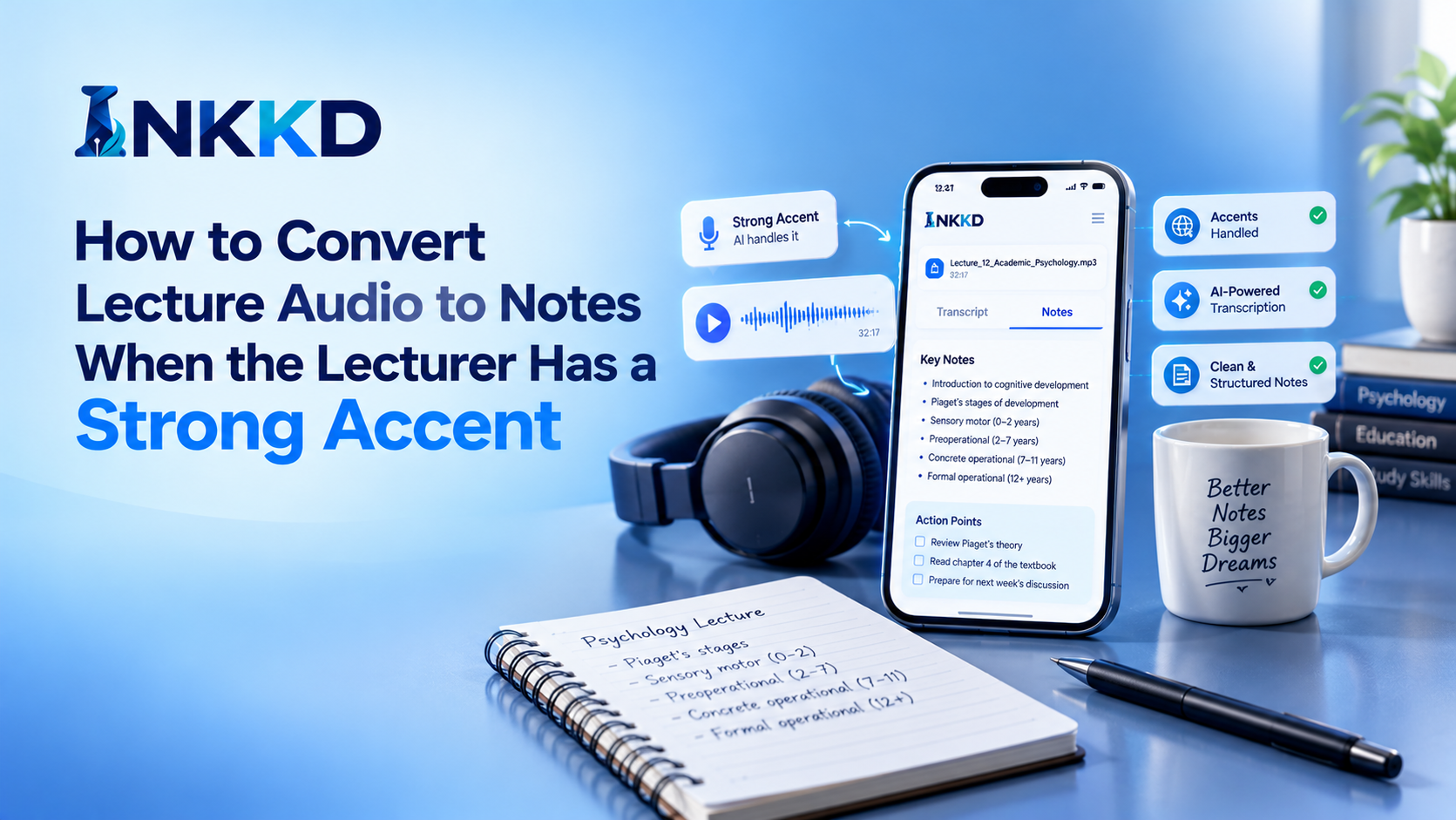
You have a short break before your next commitment and need one idea from a recorded lecture quickly. INKKD turns recorded lectures into searchable transcripts and organised AI Notes, so you can look up a point without replaying the whole recording.
Searchable transcripts and AI Notes help you find a lecture idea without replaying the full recording.
Make Recorded Lectures Searchable Before Revision
With lecture transcription, a recording becomes text you can search when a definition or example slips your mind. For instance, search for “opportunity cost” in the searchable transcript to find the relevant passage, rather than scrubbing through an hour-long lecture. This is one practical use for lecture transcription software when your study time is limited.
INKKD’s AI Notes organise lecture content into key concepts, definitions and revision points. You can also summarise study materials, such as reading notes, into the same kinds of concise reminders. Check AI-generated notes against the original recording or text for accuracy and relevance, especially when a detail matters for an assignment. You can bring relevant deadlines across from your university learning management system to keep them with your study materials; this does not mean the systems automatically sync.
Use AI Chat to Resolve Gaps Between Shifts
INKKD includes AI Chat, which can clarify a difficult topic and respond to follow-up questions. If a lecture explanation still feels unclear, ask about the point that is confusing, then use a follow-up to test your understanding. Treat the response as support for your learning, not a substitute for checking course material.
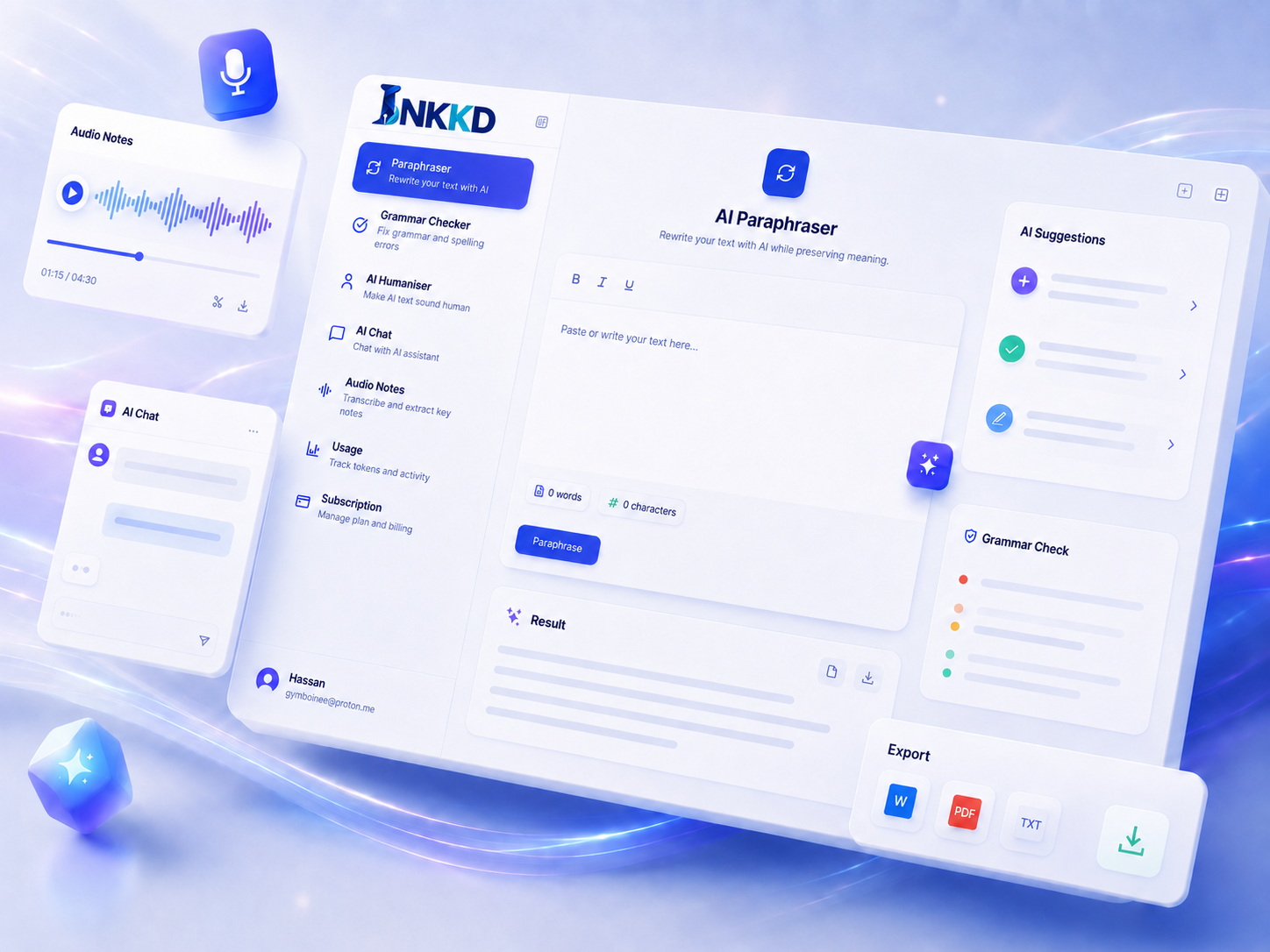
Spaced repetition means revisiting material at increasing intervals to strengthen recall. Concise AI Notes make it easier to return to one concept between shifts, rather than needing to replay a lecture each time. Writing, transcription, AI Notes and AI Chat can stay together in one workspace, so you can move from a question to relevant material without searching across separate apps. Once the material is easier to reach, the next decision is when each study task fits around work.
How to Fit Study Around Shifts and Deadlines
You check next week’s shift rota and see that two study blocks need to move. Build your plan around fixed commitments first, then place realistic study blocks around shifts, classes, assignment deadlines and exam dates.
Put fixed commitments and due dates in the plan first, then fit in study blocks you can realistically manage.
Build a Weekly Plan from Fixed Commitments
Use this four-step routine for assignment deadline tracking and workload prioritisation:
- Enter your work shifts.
- Add your class timings.
- Mark assignment deadlines and exam dates.
- Prioritise tasks, then place realistic study blocks around those fixed commitments.
This is an adaptable approach to time blocking, not a promise that an AI study planner will automatically schedule or sync your commitments. Adjust the blocks when a shift changes, and choose a task that fits the time you have.
| Study moment | Useful task | INKKD material to use | Practical aim |
|---|---|---|---|
| Before a shift | Review a key concept | Concise AI Notes | Recall one topic |
| Short break | Check a definition | Searchable transcript | Resolve one gap |
| Longer study block | Work through an assignment draft | Draft and relevant notes | Make focused progress |
Polish Assignments and Communicate Clearly
INKKD offers grammar checking, paraphrasing and humanising tools for academic writing support. Use them to improve a draft while keeping your own ideas and academic voice: review each change and keep only wording that still says what you mean. An academic writing assistant can help you spot awkward phrasing, but the argument and final decisions remain yours.
Make the Routine Useful and Responsible
Review AI-generated notes and writing before you use them; neither is automatically accurate or suitable for your work. Use AI to support your judgement, not replace it, and keep control of the information you share.
Check your institution’s guidance and privacy settings before sharing course or personal information with an AI tool. That is a practical part of student data privacy and generative AI literacy. Review generated writing and verify every citation through an appropriate citation management process rather than treating a plausible reference as confirmed.